Change Management Communications: The PowerPoint and Word Templates That Drive Adoption
.avif)
Most change initiatives don't fail because the strategy is wrong, they fail because nobody understood what was happening, why it mattered, or what they needed to do differently.
The communication breakdown happens in predictable places. An executive presentation that buries the key message on slide seventeen. A Word document explaining new processes that reads like a legal contract. An email announcement that prompts more questions than it answers. A townhall deck that loses the room by slide three.
The gap between "we communicated the change" and "people adopted the change" is massive. That gap is where professional change management presentations and internal communication templates earn their keep.
Well-designed organisational change documents use visual hierarchy, information architecture, and design psychology to move people from confusion to clarity to action. The right stakeholder engagement PowerPoint doesn't just inform - it persuades, reassures, and builds momentum.
Here's what works when change hangs in the balance.
Why Change Communication Design Actually Drives Adoption
Change creates anxiety. Anxiety creates resistance. Resistance kills initiatives before they launch.
Professional employee communication design addresses the psychological barriers that derail change programs. Clear visual hierarchies help overwhelmed employees process complex information. Consistent templates signal stability during uncertainty. Strategic use of colour and layout directs attention to what matters most.
The research backs this up. Studies on information processing show that people retain visual information 65% better than text alone. When change communication uses strong visual frameworks - journey maps, process flows, before-and-after comparisons - comprehension increases and resistance drops.
Your change management presentations need to do several jobs simultaneously. They need to explain the what, justify the why, outline the how, and address the "what does this mean for me" that every employee is thinking. Templates designed specifically for change communication create the structure to handle all of that without overwhelming your audience.
Most businesses approach change communication with whatever PowerPoint template happens to be lying around. Then they wonder why employees seem confused or resistant. The medium shapes the message. Generic templates can't carry the weight of significant organisational change.
The Essential Template Suite for Change Programs
Successful change communication requires multiple touchpoints, multiple formats, and multiple levels of detail. One presentation won't cut it. You need a coordinated system of internal communication templates that work together.
The Executive Sponsor Deck
This is your heavyweight. Fifteen to twenty slides maximum, designed to get senior leadership alignment before the broader rollout. It needs space for business case metrics, risk analysis, resource requirements, and timeline milestones. The layout should emphasise data visualisation over bullet points - charts that show projected impact, diagrams that map stakeholder groups, timelines that make the phasing clear at a glance.
The Townhall Presentation
Different audience, different design requirements. Employees don't need the business case details. They need to understand what's changing, when it's happening, and how it affects their daily work. Townhall slides work best with large, readable text (nothing smaller than 24pt), high-contrast colour schemes for visibility in large rooms, and simple, powerful visuals that communicate even from the back row. These presentations need built-in pause points - slides that support Q&A without disrupting the flow.
Journey Mapping Templates
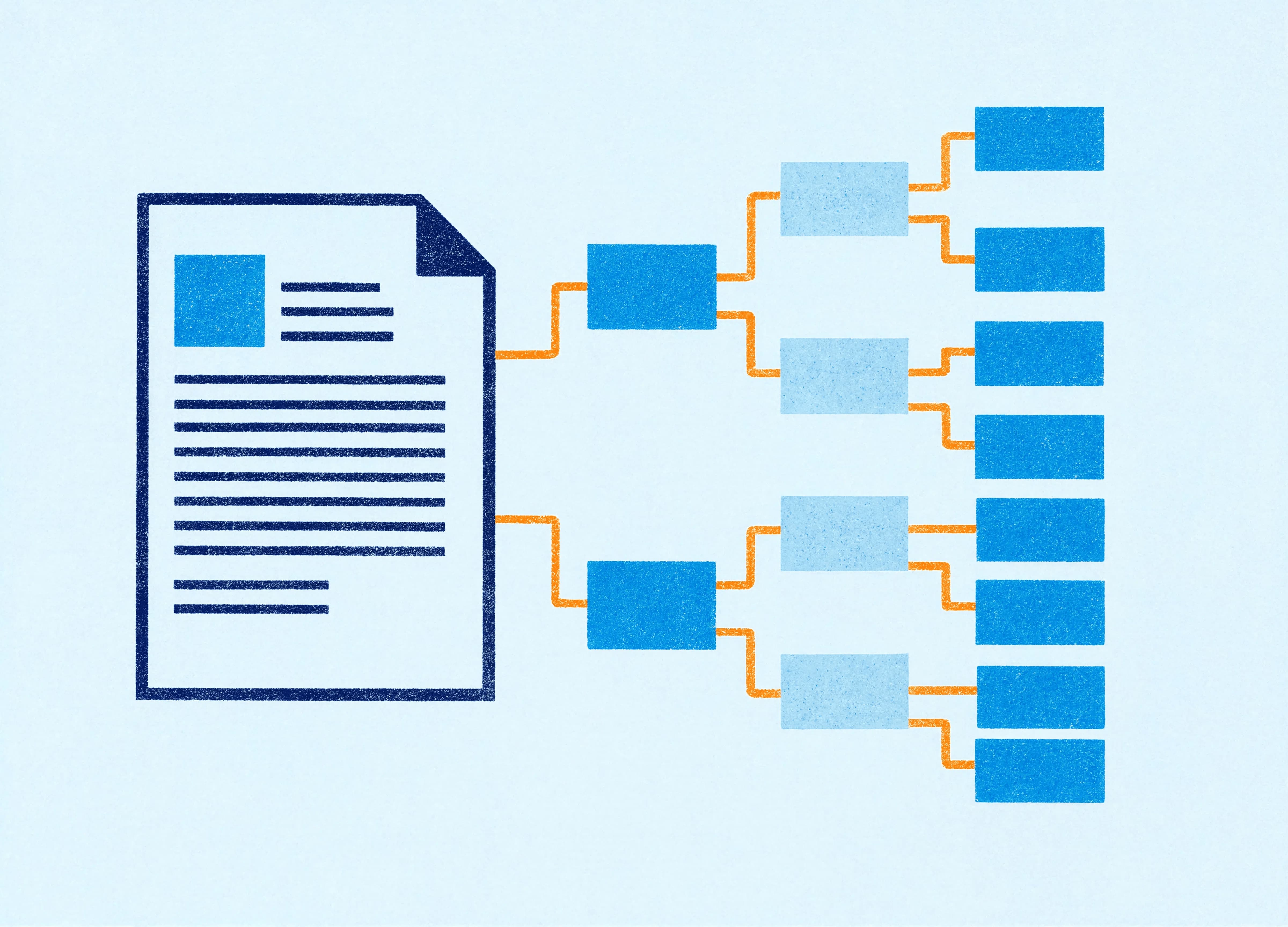
Visual journey maps turn abstract change into tangible steps. A well-designed journey map template shows the current state, transition phases, and future state on a single page. It uses icons, colour coding, and spatial layout to make complex transitions feel manageable. These work particularly well as large-format posters for team spaces or as leave-behind documents after presentations.
Stakeholder Matrix Documents
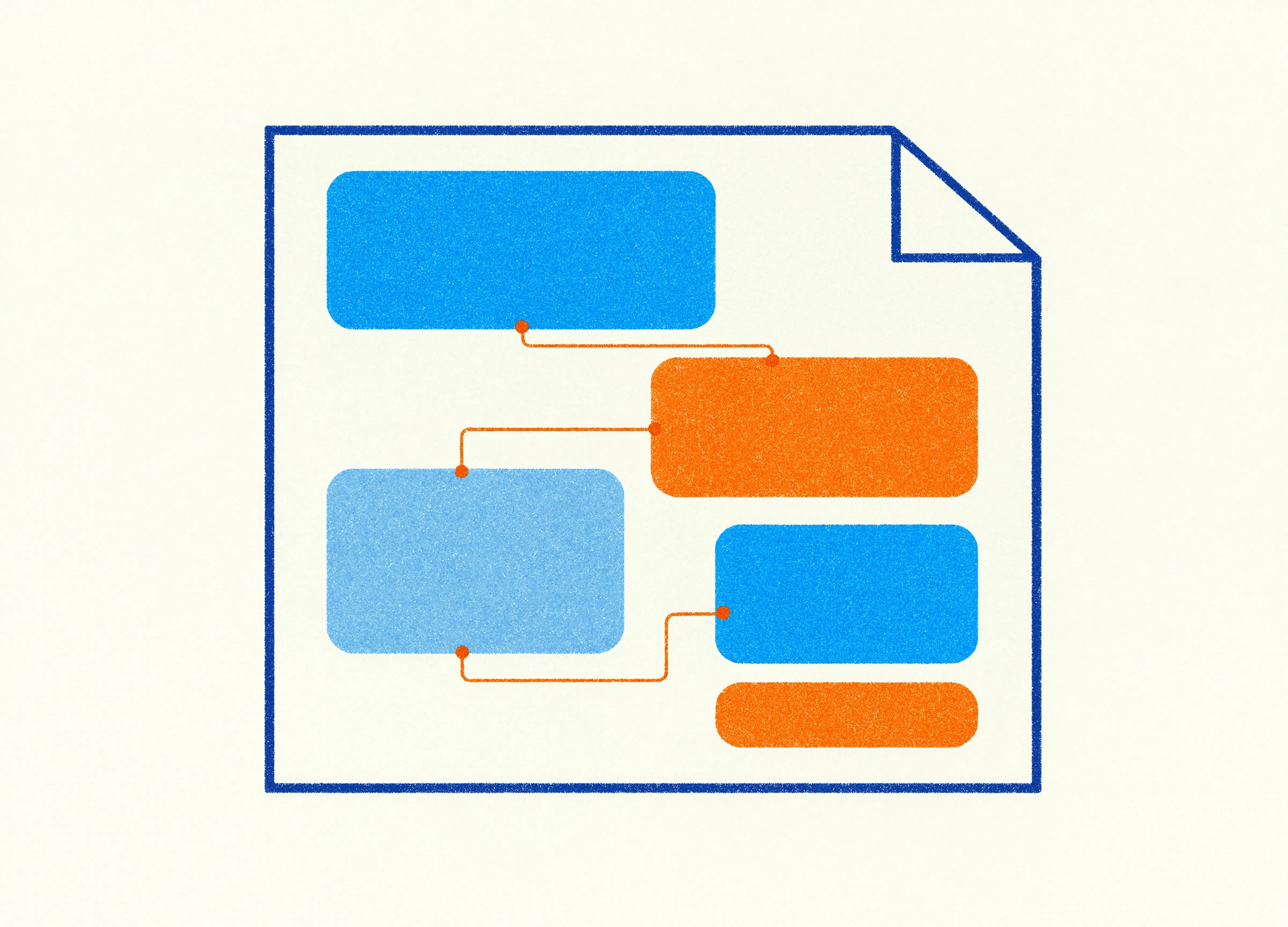
Change affects different groups differently. Stakeholder matrices in Word or PowerPoint format help change teams map out who needs what information, when they need it, and through which channels. The template should include columns for stakeholder groups, their level of impact, their influence on success, communication needs, and engagement tactics. This becomes your master planning document - the thing that keeps communication targeted and strategic.
FAQ Document Templates
Questions multiply during change. An FAQ document that's actually usable has clear categorisation, strong visual hierarchy, and enough white space that people can scan for their specific concern. Format these as branded Word templates with consistent heading styles, expandable sections, and space for regular updates as new questions emerge.
Email Announcement Templates
Change communication lives in inboxes. Email templates for change announcements need different layouts for different message types: initial announcements, progress updates, milestone celebrations, and problem resolution. Each template should use consistent header graphics, clear subject line formulas, and structured body layouts that work on both desktop and mobile.
Stakeholder Engagement That Moves People to Action
The goal of change communication isn't information transfer. It's behaviour change. That requires persuasion, not just explanation.
Effective stakeholder engagement PowerPoint templates use proven persuasive structures. They open with the problem state that everyone recognises, move to the vision of the future state, then bridge the gap with clear action steps. This problem-solution-action framework appears throughout successful change communication because it mirrors how people actually process and accept new ideas.
Visual emphasis matters enormously here. Use size, colour, and position to make key messages impossible to miss. The most important information should be the largest, the most colourful, or positioned in the top-left quadrant where eyes naturally land first. Supporting details can be smaller and less prominent.
Data visualisation in change presentations needs special attention. A dense spreadsheet pasted into a slide creates confusion. The same data shown as a clean bar chart with three key takeaways highlighted creates clarity. Invest time in simplifying charts - remove gridlines, limit colour palettes, add clear labels, and most importantly, tell the chart what story to tell with a clear headline.
Icons and illustrations reduce cognitive load. When explaining new processes or systems, custom iconography makes the unfamiliar feel more approachable. People process images faster than text. A well-chosen icon can communicate instantly what would take a paragraph to explain.
Townhall Presentations That Actually Land
Townhalls make or break change initiatives. Get the presentation wrong and you've got a room full of anxious, confused employees generating negative momentum. Get it right and you build understanding, buy-in, and energy for the change ahead.
The biggest mistake in townhall presentations is trying to cover everything. You can't. Attempting to cram every detail into forty-five minutes creates information overload and everyone leaves remembering nothing. Instead, focus on three core messages maximum. Structure the entire presentation around those three points. Repeat them. Visualise them differently in different sections. Make them impossible to forget.
Opening slides need to acknowledge reality. Employees know when things aren't working. Starting with "everything is fine, we just need to change everything" destroys credibility instantly. Lead with the honest assessment that prompted the change. Use before-state visuals that people recognise from their daily experience. This builds trust for the harder messages that follow.
The middle section walks through what's changing and why. This is where journey mapping visuals work their magic. Show the timeline. Show the phases. Show where people are now, where they'll be in three months, where they'll be in six months. Make the path visible and structured. Uncertainty breeds resistance. Clear phases with defined milestones create confidence.
Your closing slides need to answer the universal question: what happens on Monday. Employees sitting in that townhall are already thinking about how this affects their immediate work. Give them concrete next steps. Who they should contact with questions. Where they can find more information. What specific actions they should take in the next week. The more specific and immediate, the better.
Leave space for interaction. Townhall decks should include deliberately sparse slides that serve as conversation holders - simple visuals or questions that prompt discussion without filling the screen with text. This gives the presenter room to engage authentically with the audience.
FAQ Documents and Ongoing Support Materials
The townhall ends. The executive email goes out. Then the real communication work begins.
Ongoing change support requires organisational change documents that employees can reference when they hit confusion or problems. FAQ templates serve this purpose, but only if they're designed for actual use.
Most FAQ documents fail because they're organised by what's easy for the writer, not what's useful for the reader. Group questions by role, by process area, or by timeline - whatever categorisation matches how people will search for answers. Use clear heading hierarchies so someone skimming can find their section in seconds.
Update these documents regularly and make the updates visible. Add a "recently added" section at the top. Use colour coding or icons to flag new information. If people learn that the FAQ document gets stale, they'll stop checking it.
Process documents need equal attention. When change involves new workflows or systems, people need clear, visual step-by-step guides. Word templates for process documentation should use numbered lists, screenshots with annotations, decision trees for complex paths, and consistent formatting that makes steps easy to follow.
Quick reference guides work better than lengthy manuals for most change scenarios. One-page or two-page documents that show the most common tasks or most frequent questions get used. Fifty-page comprehensive guides get filed and forgotten. Design quick-reference templates with high visual-to-text ratios - more diagrams, fewer paragraphs.
Making Templates Work for Your Change Program
Templates only drive adoption if your team actually uses them. Consistency matters. When change communication looks and feels cohesive across all touchpoints, it reinforces the message that this is coordinated, professional, and reliable.
Brand alignment is non-negotiable in change communication. If your change templates look nothing like your corporate identity, you've introduced another element of unfamiliarity into an already uncertain situation. Professional Microsoft Office templates and change management presentations should extend your existing brand system - same colours, same fonts, same visual language - while adding the specialised structures needed for change communication.
Template governance keeps things on track. Designate owners for each template type. Establish version control so teams don't accidentally use outdated formats. Create a central repository where everyone knows to find the current templates. Simple systems prevent the chaos of fifteen different people creating fifteen different versions of the same document.
Training your change team on the templates pays dividends. Walk them through the purpose of each template, when to use it, and how to customise it for their specific messages. Show them the design principles built into the layouts. When people understand why templates are structured the way they are, they use them more effectively.
Measure what's working. Track which communication formats get the most engagement. Survey employees on what helped them understand the change. Look at where confusion persists and adjust your templates accordingly. Change communication isn't set-and-forget - it's an iterative process of testing and refining.
The Communication System That Changes Everything
Change management presentations and internal communication templates are infrastructure. They're the pipes and wires that carry your change message to everyone who needs it, in formats they can understand and use.
Poor communication infrastructure means your change initiative runs uphill from day one. Professional employee communication design removes the friction. Clear stakeholder engagement PowerPoint decks get alignment faster. Well-structured organisational change documents prevent confusion. Consistent templates build trust and momentum.
The difference between change that stalls and change that succeeds often comes down to whether people understood what was happening and felt supported through the transition. The right templates make that possible.
Ready to build a change communication system that actually works? Our free template audit for Word and PowerPoint identifies exactly where your current templates are creating friction in your change programs. We'll show you what's working, what's not, and how professional templates designed for change management can improve adoption rates across your business.
Start your free template audit here: https://www.ideaseed.com.au/questionnaire
Need a branded template? We can turn it around overnight.
Australia's Microsoft Office template specialists with a South Africa team that delivers while you sleep.

RAVE REVIEWS
who we work with


.svg)
.svg)
.svg)
.svg)








