Word Styles Are Not Optional Anymore

Most people who work in Word every day have a complicated relationship with styles. They know styles exist. They've probably clicked on "Heading 1" by accident at some point and then frantically tried to undo whatever happened to their font. They might have a vague sense that styles are the "proper" way to format a document, and an equally vague sense that they'll get around to learning them properly one day.
That day has arrived. And it's not because of anything to do with good document practice. It's because of Copilot and its AI brethren.
What Changed in 2026
Wave 3 of Microsoft 365 Copilot introduced agentic editing in Word. In practice, that means Copilot can now work directly inside your document - making edits, restructuring sections, refining drafts, and updating content - all without you copying and pasting into a sidebar.
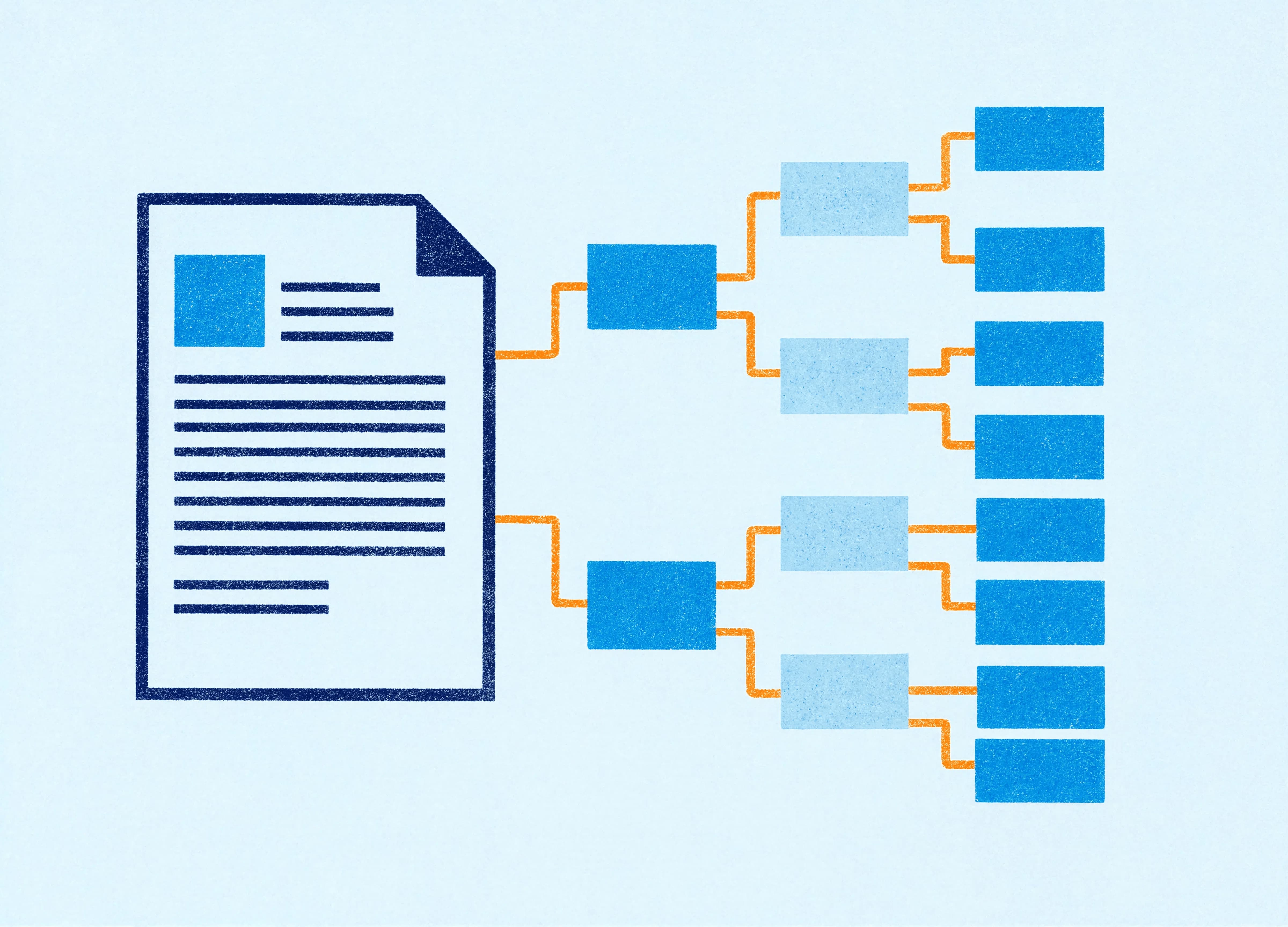
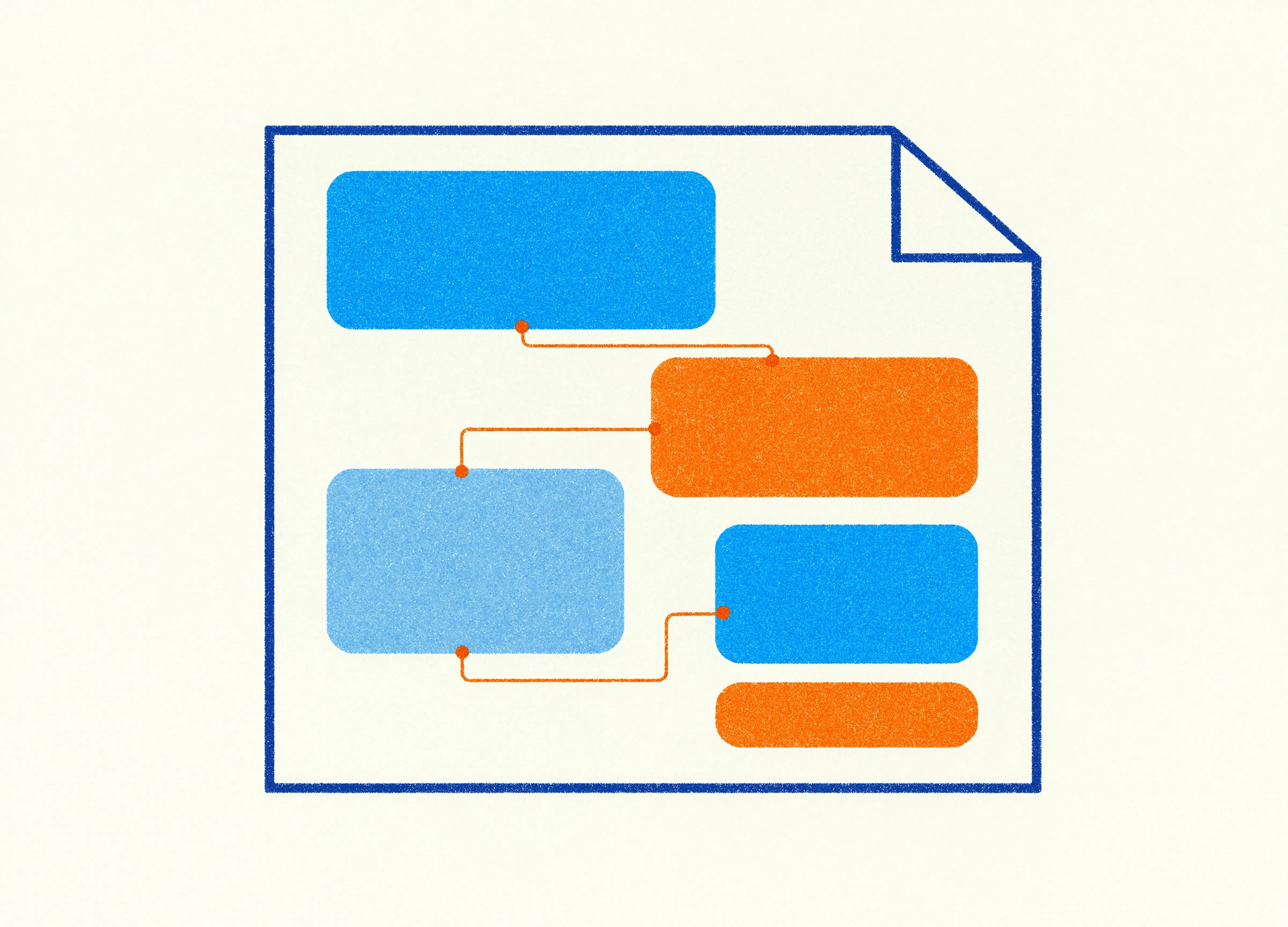
When Copilot does this, it applies Word-native styles as part of the process. It uses your document's style structure to understand what content is a heading, what's body text, what's a caption, what's a list. It works with the architecture of your document, not just the visible formatting.
If that architecture is a mess, Copilot's edits will reflect that. And in most businesses, the document architecture is a mess.
The Real State of Most Word Documents
Body text is formatted manually. Someone selected the paragraph and changed the font to Calibri 11pt, or applied a specific colour, or adjusted the line spacing. It looks right. But the style applied to that paragraph is still "Normal," which may be formatted completely differently. Or it's "Body Text." Or it's some custom style that was created years ago and is now inconsistent with everything else.
Headings are a particular disaster. A document might have text that looks like a heading visually - with a larger font and bold formatting - but is technically styled as Normal with manual overrides. Copilot can't tell from the visual appearance that this is meant to be a heading. It reads the underlying style, and if the style says Normal, that's what it works with.
Tables, captions, footnotes, and pull quotes are often worse. They're frequently formatted with a combination of direct formatting, inherited styles, and manual tweaks that have accumulated over multiple versions of the document.
This has always been a problem for accessibility, for table of contents generation, and for anyone who's ever tried to reformat a long document. Now it's a problem for AI too.
What Happens When Copilot Meets a Badly Styled Document
When Copilot edits a document with a clean style structure, it can do useful things. It can restructure sections while preserving heading hierarchy. It can reformat body text consistently. It can apply your Word template's style definitions across the document so everything looks and behaves as intended.
When it encounters a document built on manual formatting and style chaos, the results are unpredictable. Copilot might reformat things in ways that seem random, because from its perspective, there's no coherent structure to reference. It might apply styles inconsistently, or flatten a heading hierarchy that existed visually but not structurally.
This isn't a Copilot problem, exactly. It's a template and document discipline problem that AI has made impossible to ignore.
What Good Style Architecture Actually Looks Like
A properly structured Word document has a clean set of styles applied consistently throughout. The headings use Heading 1, Heading 2, and Heading 3 (or whatever your business's named equivalents are). Body text uses a single body style - not a mix of Normal and Body Text and manually formatted paragraphs. Lists use defined list styles. Tables use defined table styles.
Critically, all of these styles should be defined in the document template, not applied ad hoc. The template sets the rules, and the document follows them.
When Copilot works in a document like this, it has a clear map to follow. It knows what a heading is. It knows what body text looks like. It can apply and preserve that structure as it edits.
The Template Is Where This Gets Fixed
A well-built Word template defines all the styles your business actually uses. It names them clearly, formats them correctly, and applies them consistently to the document structure. When someone creates a new document from that template, they're starting with the right architecture already in place.
The harder part is the existing library of documents that weren't built with proper styles. Those need to be migrated, which is a bigger project. But for new documents and templates going forward, getting the style architecture right is the single most impactful thing a business can do to make Copilot's editing reliable and predictable.
We build Word templates with proper style hierarchies as standard practice. It's not an add-on or an upgrade. It's how a Word template should be built. If your current templates weren't built that way, now is a very good time to revisit them.
A Practical Starting Point
Open one of your most-used Word templates and check the styles pane. Look at what styles are actually being used. If you see dozens of styles with names like "Body Text 2" and "Normal (2)" and "Heading 1 modified," those are signs of accumulated manual formatting that has created its own pseudo-styles over time.
That's what you're trying to avoid - clean, deliberate, intentionally designed styles that reflect how your business actually uses Word.
It's not glamorous work. But it's the foundation that makes everything else, including Copilot, function properly.
Claire is a design and template specialist at Ideaseed with experience spanning presentation design, document design, accessibility, and Microsoft Office automation. Claire focuses on creating templates that are both visually polished and technically sound.
Want to know if your Word templates are structured for AI? Take our free template health check.
Need a branded template? We can turn it around overnight.
Australia's Microsoft Office template specialists with a South Africa team that delivers while you sleep.

RAVE REVIEWS
who we work with


.svg)
.svg)
.svg)
.svg)








