Australia's Digital Accessibility Rules Just Got Teeth. Are Your Documents Ready?
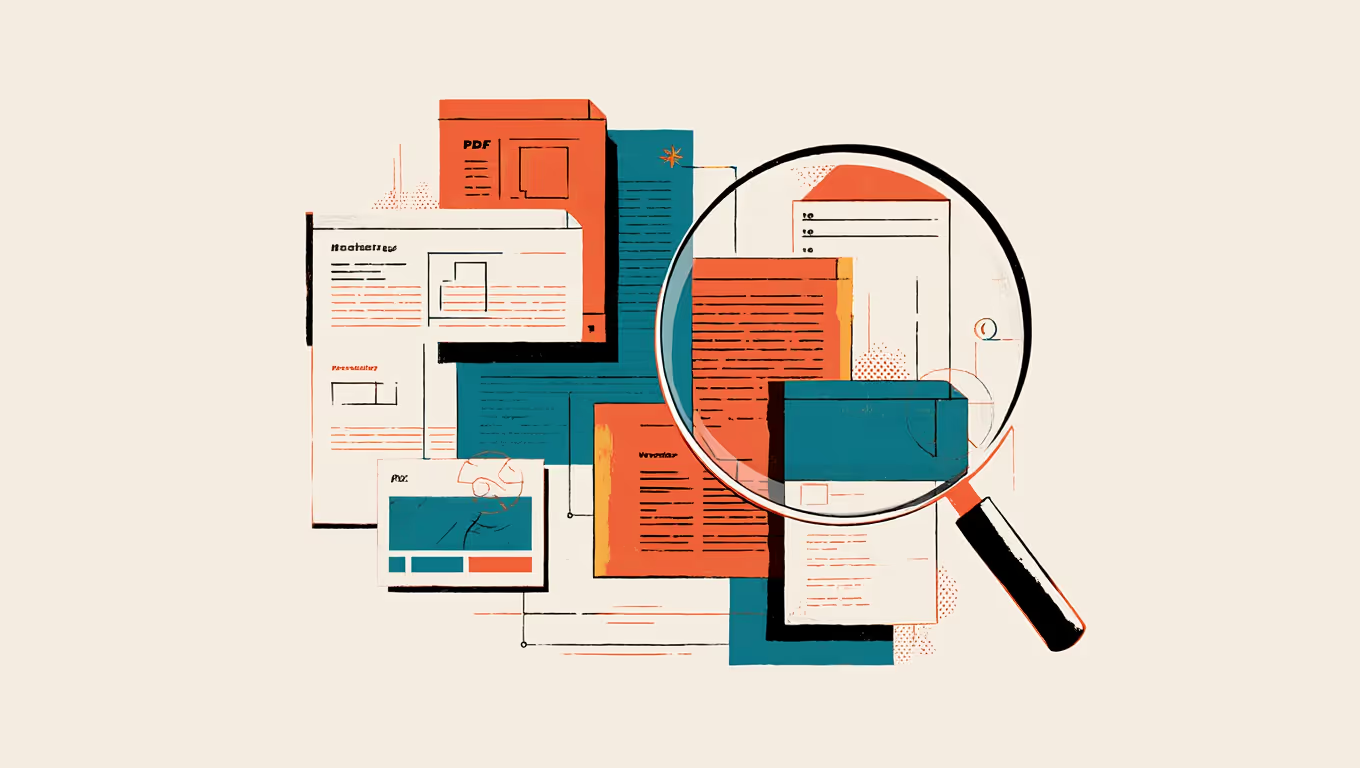
When most organisations think about digital accessibility, they think about websites. Maybe mobile apps if they're progressive. What they almost never think about is the Word document they emailed to a client last Tuesday, or the PowerPoint deck that went to the board, or the PDF proposal sitting in someone's inbox right now.
That blind spot is about to become very expensive.
The Australian Human Rights Commission updated its digital accessibility guidelines in April 2025, and the scope is broader than many organisations realise. The Disability Discrimination Act 1992 (the DDA) has always covered digital services in theory. But the updated guidance makes it explicit: websites, intranets, mobile apps, emails (including attachments and signatures), digital documents, SaaS platforms, and even AI-powered tools all fall within scope.
If your documents aren't accessible, you're not just being inconsiderate. You're exposed to legal risk under Australian law.
Why this matters right now
One in five Australians (21.4% of the population) lives with some form of disability. That's over 5 million people. And accessibility complaints to the Australian Human Rights Commission have been climbing steadily, with digital accessibility now one of the largest categories of DDA complaints.
What's changed recently is the cost of inaction. Amendments to the complaint process have introduced cost protections for complainants, which means people filing accessibility complaints face less financial risk if their case escalates. That's removed one of the biggest barriers to complaints being pursued through to resolution, whether through conciliation at the Commission or, if that fails, through the Federal Court.
This isn't theoretical. In 2014, a visually impaired woman filed a DDA complaint against Coles supermarket because the online shopping platform was inaccessible. The case escalated to the Federal Circuit Court. It was a wake-up call for organisations that assumed their digital presence was "good enough."
That was about a website. Now imagine the same complaint about your standard client proposal, or your internal onboarding documents, or the monthly report your team distributes as a PDF.
It's not just Australia
This trend is global, and if your organisation operates across borders, you need to be paying attention to multiple jurisdictions simultaneously.
In the United States, Title II of the ADA now has hard compliance deadlines for state and local government entities, with requirements mapping directly to WCAG 2.1 Level AA. The European Accessibility Act, which came into force in June 2025, extends requirements to private sector products and services across all EU member states.
For organisations based in Australia with international operations (or clients in the US, UK, and Europe), document accessibility is quickly moving from "nice to have" to "legal requirement across every market we operate in." The same applies for businesses in South Africa, where the Promotion of Equality and Prevention of Unfair Discrimination Act (PEPUDA) has similar provisions around accessible services.
The common thread? WCAG 2.1 Level AA is the standard everyone is converging on. If your documents meet that standard, you're in good shape pretty much everywhere. If they don't, you're playing a game of regulatory whack-a-mole that gets harder every year.
The 94.8% problem
Here's a statistic that should make every organisation pause. According to the 2026 WebAIM Million study, 94.8% of home pages have detectable WCAG 2 failures. Ninety-four point eight percent. And that's websites, where accessibility has been on the agenda for years.
Now think about your internal documents. Your templates. Your presentations. The compliance rate for those is, to put it politely, almost certainly worse.
Most organisations have never run an accessibility audit on their document templates. They've never checked whether their PowerPoint presentations have proper reading order, whether their Word documents use genuine heading styles (rather than just bold text that looks like a heading), or whether the colour contrast in their branded materials meets the required 4.5:1 ratio.
These aren't obscure technical details. They're the difference between a document that a screen reader can navigate logically and one that reads like a jumbled mess. For the 21.4% of Australians living with disability, that difference determines whether they can engage with your content at all.
Where documents fail (and why it keeps happening)
Document accessibility failures tend to cluster around a few common issues. And most of them stem from how the document was built in the first place, not from the content itself.
Missing or incorrect heading structure is probably the most widespread problem. People bold a line of text and call it a heading. Visually it might look fine, but to a screen reader, it's just another paragraph. Proper heading styles (Heading 1, Heading 2, Heading 3 in Word; properly structured text hierarchy in PowerPoint) create a navigable document structure that assistive technology can interpret. Without them, a screen reader user has to wade through the entire document linearly, with no way to skip to the section they need.
Colour contrast is another frequent offender. Brand guidelines often include light greys, pastels, or thin fonts that look elegant on screen but fail WCAG contrast requirements. If your body text is a lovely shade of medium grey on white, it might have a contrast ratio of 3:1 or lower, well below the 4.5:1 minimum. People with low vision, colour blindness, or even those reading on a screen in bright sunlight, struggle to read it.
Then there's reading order in presentations. PowerPoint slides don't automatically read in the order you'd expect. Each element on a slide (text boxes, images, shapes) has a reading order that determines how a screen reader processes the content. If that order hasn't been explicitly set, the screen reader might announce the footer before the title, or read a decorative shape's alt text before the main content.
Missing alt text on images is the one most people have heard of, but even here, the execution is often wrong. Alt text that says "image1.png" or "company logo" isn't helpful. Alt text should describe what the image communicates in context.
And finally, PDF accessibility. The moment you export a Word document or PowerPoint presentation to PDF, you can either preserve the accessibility structure you've built, or lose it entirely. The export settings matter. The original document's structure matters. If the source document wasn't built with accessibility in mind, the PDF won't be either.
Why fixing documents one at a time doesn't work
You could, theoretically, audit and remediate every document individually. Some organisations try this approach. It's expensive, slow, and ultimately futile because the next document someone creates will have all the same problems.
Accessibility in documents is a systems problem. It needs a systems solution.
That means building accessibility into your templates from the start. When your Word templates have proper heading styles, accessible colour palettes with compliant contrast ratios, and a logical document structure baked in, every document created from that template inherits those properties automatically. The person creating the document doesn't need to know the WCAG guidelines. They don't need to manually check contrast ratios or set reading order. The template handles it.
The same applies for PowerPoint. Master slides with properly ordered elements, compliant colour themes, and structured layouts mean every presentation starts from an accessible foundation. The user adds content, and the accessibility comes along for the ride.
This is the difference between compliance through discipline (hoping everyone remembers the rules, every time) and compliance through design (making the rules impossible to break). History suggests which approach actually works at scale.
What accessible template architecture looks like
Building properly accessible templates requires more than just picking WCAG-compliant colours. It's a combination of design decisions and technical implementation that work together.
Colour palettes need to be tested across all combinations of background and text to ensure every pairing meets minimum contrast ratios. This often means adjusting brand colours specifically for document use, which is a conversation some brand teams resist, but it's a necessary one.
Heading styles in Word need to be properly mapped to the document's style hierarchy. They need to be structurally correct, not merely visually distinct. This means using Word's built-in heading levels, configuring them with your brand fonts and spacing, and building them so users can't accidentally override them with manual formatting.
PowerPoint master slides need their elements ordered correctly for screen readers, with proper text alternatives built into the layout placeholders. Decorative elements need to be marked as such, so screen readers skip them entirely.
And the whole system needs to be tested with actual assistive technology. Automated tools are useful for catching obvious issues, but the real test is running a screen reader through the document to make sure the experience makes sense for someone who can't see the visual layout.
It's specialist work. It sits at the intersection of design, accessibility standards, and deep technical knowledge of how Microsoft Office handles document structure. Most design agencies don't do this kind of work because, frankly, most design agencies don't understand the technical complexity involved. And most IT teams don't do it because they don't have the design expertise.
Getting ahead of the curve
The organisations that will handle this well are the ones that act before a complaint forces their hand. Court-ordered remediation under time pressure is significantly more expensive and stressful than proactive compliance. And the reputational cost of a public accessibility complaint isn't trivial either.
If you're not sure where your documents stand, a template accessibility audit is the logical starting point. It tells you what's compliant, what isn't, and what it would take to fix it. From there, building (or rebuilding) your template system with accessibility baked in means every document produced going forward meets the standard automatically.
With the AHRC's updated guidelines, growing complaint volumes, and accessibility requirements tightening across every major market, this isn't something you can afford to leave on the "we'll get to it" list for much longer.
Curious about how your current templates measure up? Our free Template Health Check questionnaire gives you a quick snapshot of where your document infrastructure stands, including accessibility. Takes a few minutes, and you might be surprised by what it reveals.
Need a branded template? We can turn it around overnight.
Australia's Microsoft Office template specialists with a South Africa team that delivers while you sleep.

RAVE REVIEWS
who we work with


.svg)
.svg)
.svg)
.svg)








