Copilot's Brand Kit Picker Is Only as Good as the Template Behind It

In June, Microsoft gave PowerPoint's Copilot a feature that sounds like a designer's dream. It's called the Brand Kit Picker, and it lets anyone building a deck with Copilot select your business's approved brand template first, so the presentation starts with the right colours, fonts and visual style already in place. No more logo-slapped-on-a-blank-slide chaos. No more brand cleanup after the fact. Sounds fabulous, doesn't it?
It can be. But there's a catch that nobody at Microsoft is shouting about, and it's the same catch that has always sat underneath every AI feature in Office: the Brand Kit Picker is only as good as the template you point it at. Feed Copilot a well-built, AI-ready template and you get clean, on-brand slides in seconds. Feed it a template that looks fine on the surface but is a shambles underneath, and Copilot will happily generate a deck that's off-brand, inconsistent, and broken in ways you won't spot until it's too late.
If you're rolling this out to your team, the question worth asking isn't “how do I use the Brand Kit Picker?” It's “is our template actually ready for it?”
What is a Copilot-ready template?
A Copilot ready template (or an AI-ready template, if you prefer the broader term) is a Microsoft Office template built so that AI tools can read its structure and generate content that stays on-brand and on-structure without human cleanup. People search for this in a few different ways, Copilot ready templates, Copilot compatible templates, AI-optimised PowerPoint templates, and they're all after the same thing. For PowerPoint, it means the brand fonts, theme colours, placeholders and layouts are all defined in the right places, using the native mechanisms PowerPoint gives you, rather than being applied by hand slide by slide.
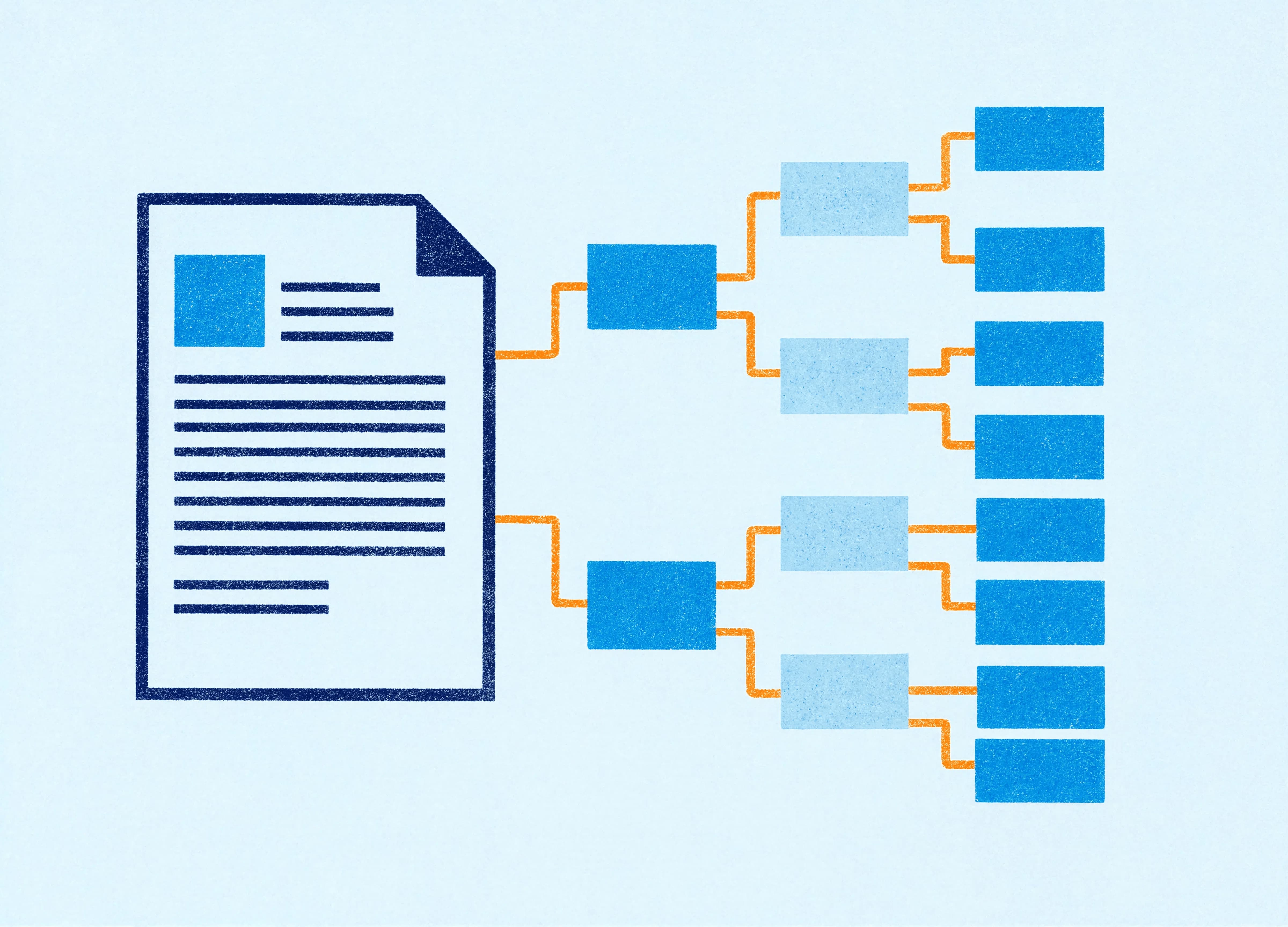
The distinction matters because Copilot doesn't “see” your slides the way you do. It reads the architecture. When you pick a brand kit, Copilot pulls from your template's theme (the defined set of colours and fonts) and its layouts (the structured slide types sitting under the Slide Master). If those are set up correctly, Copilot has a clean scaffold to build on. If they're not, Copilot is guessing, and it guesses generically.
Why do so many brand templates fail the test?
Because most templates were built for humans who already know the brand, with no thought for an AI that knows nothing about it. A designer who made your deck two years ago might have dropped the right logo on the title slide, set the correct blue on a few key slides, and called it done. To the eye, it looks on-brand. Under the bonnet, the theme colours might still be PowerPoint's factory defaults, the fonts might be applied as one-off overrides, and half the “layouts” might be duplicated slides rather than structured master layouts.
A person can work around all of that. They know the second swatch along is the real brand blue. Copilot doesn't. When it builds from a brand kit, it uses what the template formally declares, and it has no way to infer what a human would. So a deck that a person could keep on-brand through sheer familiarity becomes a deck that AI drifts off-brand, because the on-brand-ness was never actually built in. It was being held together by the people who happened to know better.
We've built and rebuilt enough enterprise templates to know how common this is. A template can pass every visual check and still be a poor foundation for AI, because the things AI relies on are the invisible things: theme definitions, placeholder types, layout naming, colour roles.
What a brand kit actually needs to work with Copilot
A few of the things that separate a Copilot-ready PowerPoint template from one that just looks the part:
Theme colours defined as roles rather than decoration. PowerPoint's theme has slots for your primary, secondary and accent colours. When your brand palette lives in those slots (rather than being eye-dropped onto shapes one at a time), Copilot knows which colour means what and applies it consistently. Get this right and a global colour change takes seconds. Get it wrong and every AI-generated slide is a coin toss.
Brand fonts set in the theme and available to the team. If your heading and body fonts are defined in the theme font pair, Copilot uses them automatically. If they're manual overrides, or if the font isn't actually installed on the machine generating the deck, PowerPoint substitutes something else and your brand falls away without anyone noticing.
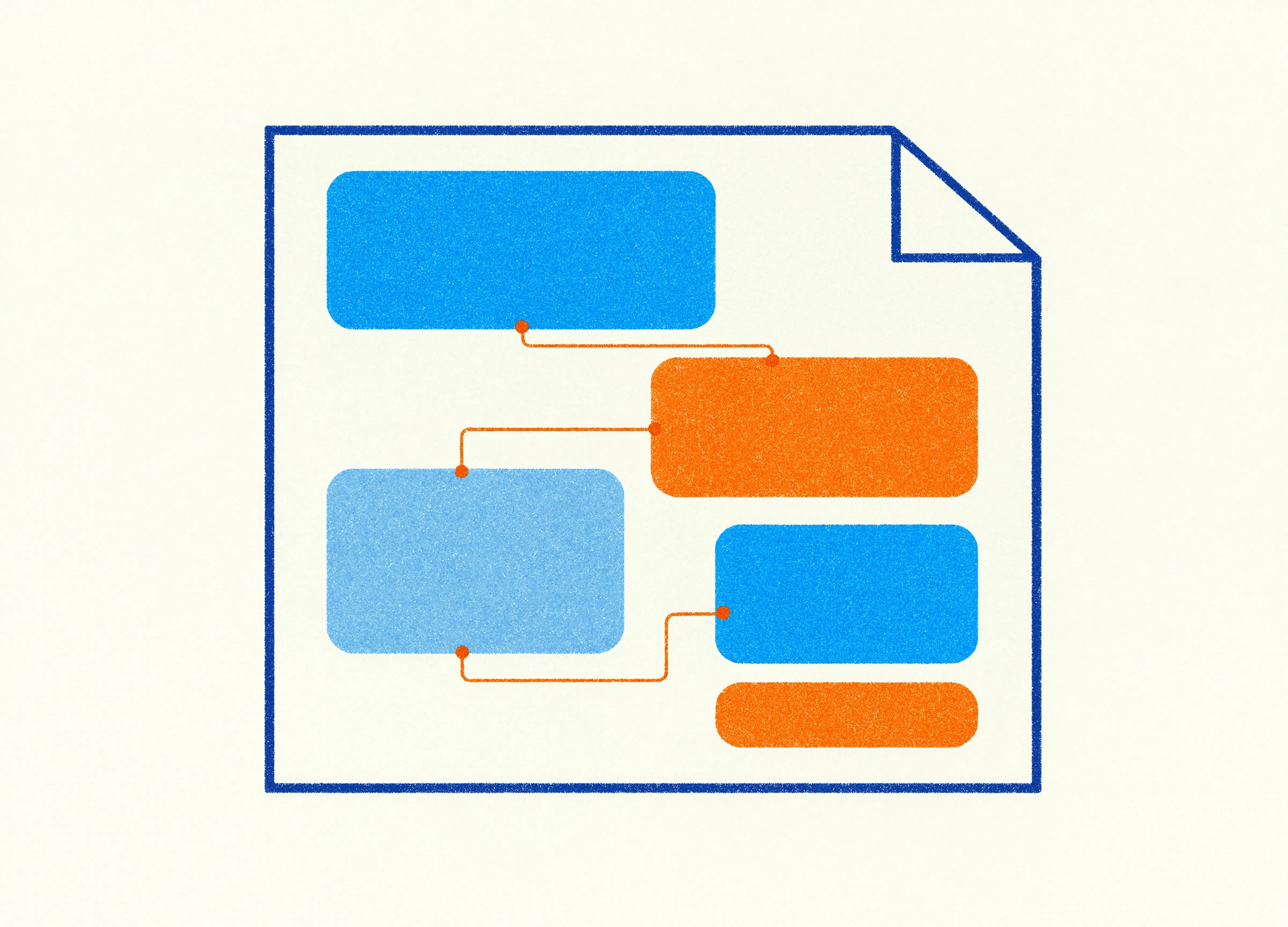
Placeholders that live in the Slide Master. Copilot can read and populate text boxes that are set up as placeholders in the Slide Master. Text boxes added ad hoc on individual slides sit outside that structure, and that's where AI-generated content goes astray. Building your content areas as proper placeholders in the master is what lets Copilot put the right content in the right place.
Structured layouts for each slide type. Title, section divider, two-column, content-with-image, data slide. Each should be a defined layout under the master, rather than a favourite slide someone keeps duplicating. Structured layouts give Copilot a menu of correct starting points to choose from.
Where honesty matters
A Copilot-ready template paired with the Brand Kit Picker will get you a tidy, on-brand, sensibly formatted deck. For a weekly team update, an internal briefing, a standard sales deck, that's a real time-saver, and we'd never tell you otherwise.
What it won't get you is a presentation that makes a room go quiet. AI can assemble a competent deck from a good template. It can't tell your investor story with a custom data visualisation, or build the one animated sequence that lands your argument, or make design choices that feel considered rather than assembled. That's still human work. The template makes AI produce clean output. A designer takes that clean output and makes it persuasive. Both matter, and they're different jobs.
The businesses getting the most out of the Brand Kit Picker are the ones who did the unglamorous work first: they got their template architecture sorted so the AI had something solid to build on. The picker is the easy part. The foundation is the part worth investing in.
Where to start
Plenty of people are searching for a template audit for Copilot, or asking how to prepare templates for AI, hoping there's a quick way to make their current deck behave. It's worth being straight about this: the reliable answer isn't a patch-up. If a template was built the old way, for a human who knows the brand, retrofitting it to satisfy what Copilot reads is slow, fiddly work with no guarantee the foundations underneath will hold. You often spend longer untangling someone else's structure than it takes to build it right.
We build every template from scratch, precisely so the AI-ready structure is correct from the ground up rather than bolted on afterwards. That build is more involved than a standard template, the theme, placeholders, layouts and naming all have to be set up deliberately, and then tested extensively against the AI tools that will use them. It takes longer. That's the point. A template built properly for Copilot from day one is the thing that turns the Brand Kit Picker from a tidy trick into hours saved every week, and it's the version that keeps working when your team, and the AI, gets its hands on it.
Jim is co-founder of Ideaseed and leads the technical side of its template work, with deep expertise in Microsoft Office template architecture, automation, VBA, VSTO and Office.js. His team's Microsoft Copilot template design work gives businesses enterprise-grade templates that hold up across both Mac and PC, and that give AI tools like Copilot the structure they need to actually work.
Want a presentation template that's built for Copilot's Brand Kit Picker from the ground up? Take our free template health check to see what your brand needs.
Need a branded template? We can turn it around overnight.
Australia's Microsoft Office template specialists with a South Africa team that delivers while you sleep.

RAVE REVIEWS
who we work with


.svg)
.svg)
.svg)
.svg)








