Moving 400 Legacy Documents Into a New Template
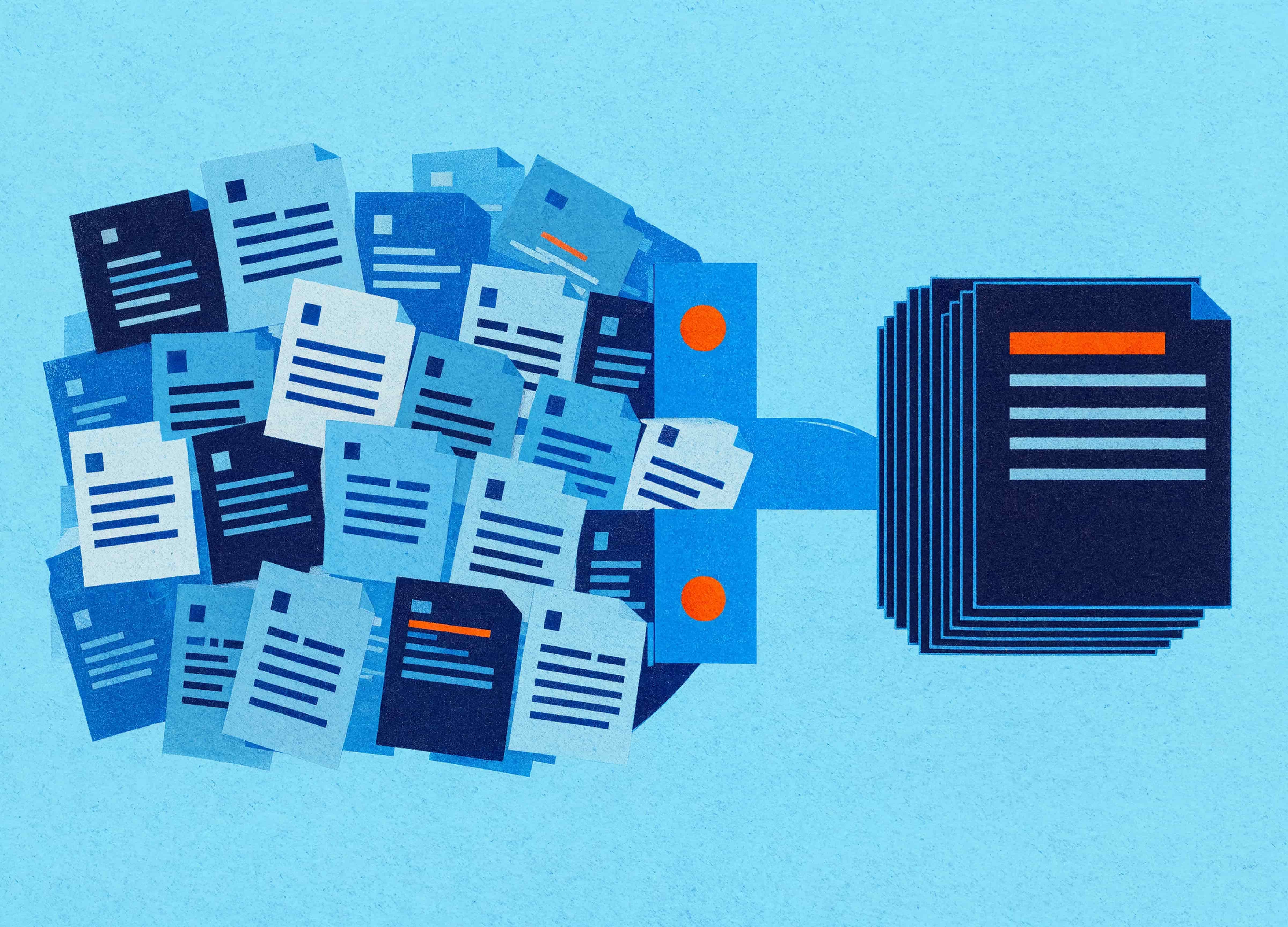
Rebrand budgets are thorough about some things and silent about others. Logo, brand guidelines, website, signage, vehicle livery, LinkedIn banners, the sign in reception. Somewhere on the list, usually near the bottom, sits "templates".
What almost never appears is the four hundred documents already in circulation. The capability statement the bid team sends out weekly. The 90-page operations manual. The policy suite. The client report format that six people have each saved their own version of. Those documents carry the old brand, they're in active use, and on launch day they don't change.
This is the least glamorous part of a rebrand and the one that decides, more than any other, whether anyone believes the rebrand happened.
Why can't you just apply the new template to old documents?
Because attaching a template to an existing Word document only updates the definitions of styles that share a name, and most legacy documents aren't built on styles in any meaningful way.
Consider what's actually in a document that's been through five years of editing. Some paragraphs use Heading 2. Some use Heading 2 with the font manually changed. Some use Normal with the size bumped to 14 and bold applied. Some use a style called "Heading 2 Char1" that Word invented during a paste operation in 2021. To the reader, they all look like headings. To Word, they're four unrelated things.
Attach a shiny new template and the third and fourth categories don't move at all. The second category changes underneath and then gets overridden by the direct formatting sitting on top. What you get is a document in three brands at once, which is worse than the document you started with.
Direct formatting is the culprit almost every time. Somebody selected text, clicked bold, changed the font in the dropdown, nudged the spacing. Each of those actions writes an instruction onto the text that outranks whatever the style says. Clear the direct formatting and the document snaps back to whatever the styles define, which for a badly built document might be nothing useful at all.
Triage before you touch anything
Treating four hundred documents as four hundred conversion jobs is how these projects run three times over budget. Sort everything into four groups first.
Live and client-facing. Proposals, capability statements, tender responses, client reports, anything that represents the business to someone outside it. These get a full rebuild. Usually it's fifteen to forty documents and it's where the entire return sits.
Live and internal. Policies, procedures, manuals, forms, induction material. These need converting because people use them daily, but they can be done more quickly, and a few can be simplified while you're in there. Often a third of the list.
Reference only. Documents that get opened occasionally and never sent anywhere. Leave them. Add the new template to the folder, convert on demand when somebody actually needs one.
Superseded. Every inventory of this kind turns up documents that nobody has opened in three years and nobody can name an owner for. Archive them. A rebrand is a rare, useful excuse to delete things.
The sorting exercise itself is worth the afternoon, because businesses consistently overestimate how many documents are live. We've had clients arrive certain they had six hundred documents to convert and finish the triage at seventy-one.
What a real conversion involves
For a document going through a full rebuild, the sequence looks like this.
Inventory the structure. How many heading levels, what the numbering scheme is, whether there's a table of contents, cross-references, captions, an index. These are the things that break silently.
Map the styles. Old style names to new ones, including the invented ones Word created during pastes. This is the step that lets the rest be automated, and skipping it means doing everything by hand.
Strip direct formatting, selectively. Clearing everything takes out deliberate emphasis along with the accidental damage, so the bold that matters and the bold that doesn't have to be separated first.
Reapply styles from the new template, then work through the exceptions the mapping couldn't handle.
Rebuild the tables. Tables are where legacy documents are most damaged: manually coloured cells, hard-coded row heights, header rows that aren't marked as header rows, borders applied cell by cell. Applying a new table style over that produces something that looks approximately right and behaves badly.
Relink everything that points at something else. Table of contents, cross-references, captions, numbering sequences, StyleRef fields in headers. Every one of these can be technically present and wrong in ways nobody spots for months.
Replace the images. Old logos, old iconography, screenshots showing the old brand in the interface, photographs that were part of the previous visual language. This is frequently the longest job in a manual and the one people forget to scope.
Accessibility pass. Heading structure, alt text, table headers, document language, title property. If you're rebuilding anyway, this costs almost nothing extra and it's the only moment you'll get it done.
Visual QA, page by page. Somebody with design judgement looks at every page. Automation does not catch a heading orphaned at the bottom of a page or a table that now splits awkwardly across a break.
Doing it at volume
Forty minutes a document, times a hundred and twenty documents, is eighty hours of careful work by somebody who knows Word properly. That's the honest number, and it's why these projects get postponed until the old capability statement turns up in a tender submission.
Automation changes the arithmetic without eliminating the work. A conversion routine built in VBA or Office.js can open a batch of documents, apply a style map, strip the classes of direct formatting you've decided are safe to remove, swap image files by name, update fields and flag anything it couldn't resolve. Written once for a specific document set, it handles the repetitive seventy per cent.
The remaining thirty per cent needs a person, and anyone telling you otherwise hasn't converted a 200-page manual. Tables need judgement. Pagination needs eyes. The sections of a document that were always slightly wrong need a decision about whether to fix them now.
The other lever is time zones. Our South African team works while Australia sleeps, which on conversion projects means documents go out at 5pm and come back done. For a rebrand with a launch date that isn't moving, that's often what makes the schedule possible, and it's why we keep people available around the clock for this kind of work.
What it costs to skip it
Two brands stay in circulation, and the old one keeps turning up. A procurement panel receives a capability statement in the previous identity six months after launch. A new starter finds the old policy template on the shared drive and uses it because it was the first search result. The marketing team who spent a year on the rebrand watch their work get diluted one document at a time.
There's an internal cost as well. When the new templates exist but the documents people actually work from don't match them, people stop trusting either. They keep their own copies. Six months later the business has more format variants than it had before the rebrand, which is a remarkable outcome for the money.
Building so the next one is easier
The reason conversion is expensive is that the original documents weren't built to be converted. That's fixable for next time, and it's the argument for doing the new templates properly rather than quickly.
A document built on a complete style hierarchy, with no direct formatting, using theme colours and theme fonts, can be rebranded by swapping the theme. Colours change across every document at once. Fonts change with them. Charts recolour. The whole job takes an afternoon.
Getting there means a few things: styles that cover every element people actually need, so nobody reaches for direct formatting because the style they wanted didn't exist. Content controls for the content that varies. Tables styled through table styles rather than cell by cell. Images placed in picture placeholders. And enough training that the team knows why the template works the way it does, because a template nobody understands gets worked around within a quarter.
Most businesses rebrand every seven to ten years. The templates built today decide whether the next one costs eighty hours of document conversion or an afternoon of theme swapping. It's a decision being made right now, by whoever is building your templates, whether or not anyone has framed it that way.
If you're in the middle of one
Start the inventory before the new brand is signed off. The triage doesn't depend on the design, and knowing you have seventy-one live documents rather than six hundred changes what you can commit to.
Convert the client-facing documents first and communicate the switch clearly, because the fastest way to keep an old template alive is to leave it sitting on the shared drive next to the new one.
And get the new templates built to a standard that makes the next rebrand cheap. Nobody thanks you for it at the time, though somebody will in 2034.
Georgie is a co-founder of Ideaseed with more than 25 years in Microsoft Office template design, build and automation. She and her team work with businesses worldwide on template systems and the legacy document conversion that goes with them, bridging the gap between design vision and what a document actually does when 500 people edit it.
In the middle of a rebrand, or about to be? Our free template health check takes a few minutes and tells you what you're dealing with.
Need a branded template? We can turn it around overnight.
Australia's Microsoft Office template specialists with a South Africa team that delivers while you sleep.

RAVE REVIEWS
who we work with


.svg)
.svg)
.svg)
.svg)








