Word Styles Are the Skeleton of Every Document

Open almost any business Word document, click into a paragraph that looks like a heading, and check what style is actually applied. More often than not, it says “Normal.” The text looks like a heading because someone made it bigger and bold by hand. Underneath, Word has no idea it's a heading at all. That gap, between what a document looks like and what it structurally is, is where most document problems are born.
Styles are the skeleton of a Word document. They're the structure everything else hangs off. When the skeleton is sound, the document stands up straight, moves well and heals quickly when you change it. When it's a patchwork of manual formatting held together with sticky tape, the document is fragile in ways that only show up at the worst moment, usually when it's long, important and due in an hour.
What do Word styles actually do?
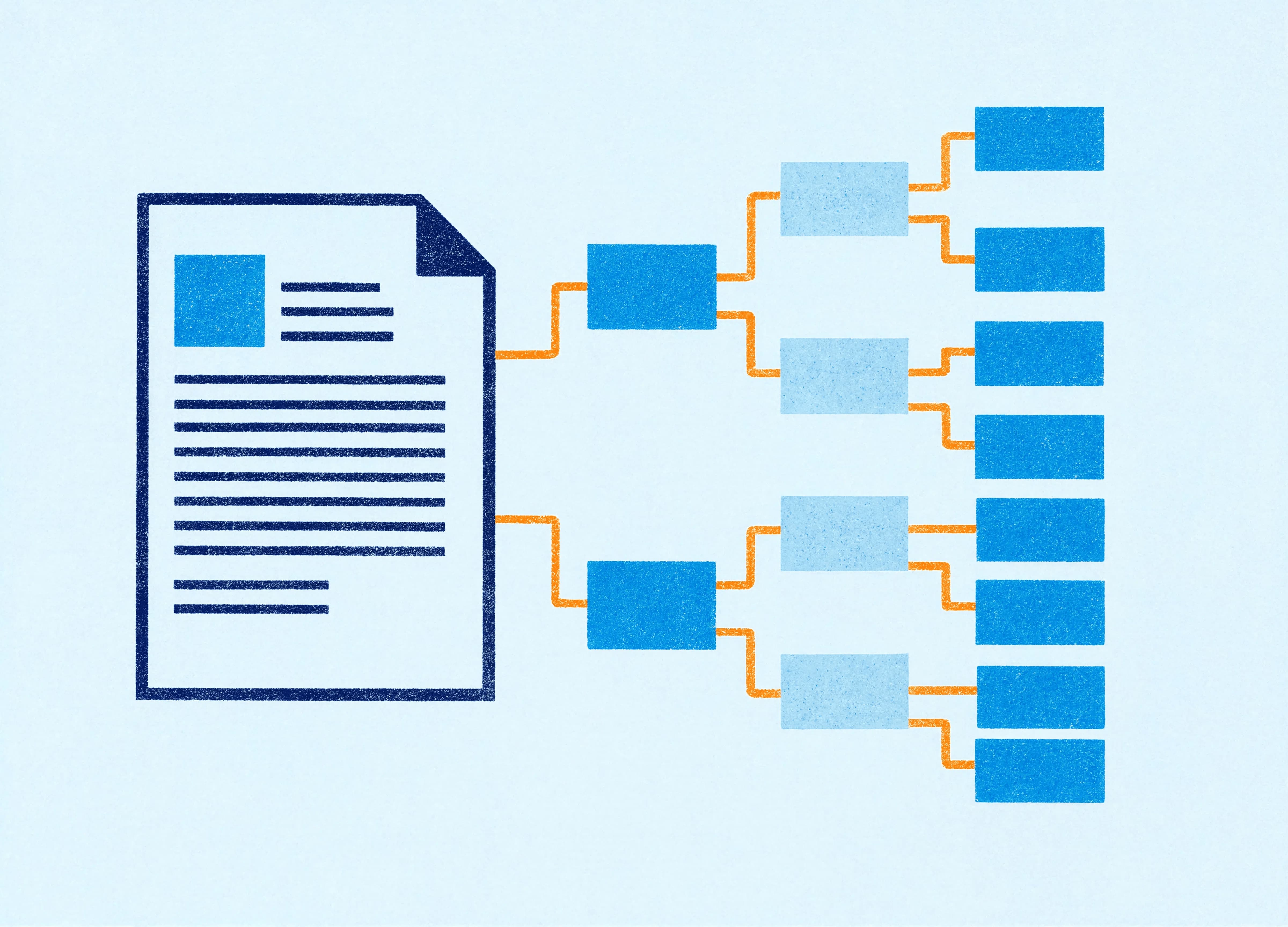
A Word style is a named, reusable set of formatting instructions, applied to a paragraph or a run of text, that defines what that content is as well as how it looks. “Heading 1” isn't just “big and bold.” It's a declaration: this is a top-level heading. “Body Text” says: this is ordinary reading text. The formatting comes along for the ride, but the real value is the label.
That labelling is what powers nearly everything useful in Word. The navigation pane that lets you jump around a long document. The table of contents that builds and updates itself. The ability to restyle an entire 80-page report by changing one style definition instead of reformatting hundreds of paragraphs. The accessibility tags that let a screen reader announce headings so someone can navigate the document by structure. None of that works if the headings are only pretending to be headings.
Why direct formatting wrecks documents from the inside
Direct formatting is when you select text and change it by hand: font, size, colour, spacing, applied to that specific text and nowhere else. It feels quicker in the moment. Select, embolden, move on. For a two-line note, fine. For a document of any size that more than one person will touch, it's a slow-motion disaster.
Every manual override is a small piece of inconsistency waiting to spread. Person A makes a heading 14pt bold. Person B makes the next one 13pt bold in a slightly different blue. Person C copies a paragraph from an old file and brings its formatting with it. Within a few rounds of edits, a document that should have three heading levels has fourteen slightly different ones, and no single change can fix them all at once, because there's no shared definition to change. You're left reformatting by hand, which creates the next round of inconsistency. It's a loop that feeds itself.
Styles break the loop. Change a heading by adjusting its style, and every heading using that style updates together. The document stays coherent because the coherence is built into its structure, so it no longer depends on everyone remembering to match everyone else.
What catches most businesses out
Here's what surprises people: a document can look immaculate and still be structurally a mess. Visual polish and structural soundness are different things. A designer can make a Word document look beautiful using nothing but direct formatting, and it will photograph well and fall apart the instant someone edits it.
The test isn't “does it look right.” It's “what happens when someone changes it.” Give a well-styled document to a colleague and their edits inherit the structure automatically. Give them a directly-formatted one and every edit is a fresh opportunity to break the look. The difference is invisible until the moment it matters, and then it's the only thing that matters.
Why this matters more in 2026 than ever
There's a newer reason to care about styles, beyond good housekeeping. AI tools now read your document's structure to do their work. When Copilot or another AI assistant edits inside a Word document, it works with the style architecture to understand what's a heading, what's body text, what's a caption, what's a list. A well-structured document gives AI a clean map to work from. A directly-formatted one gives it a puzzle, and the edits reflect that.
So the discipline that always made documents easier for humans to maintain now also determines how well AI performs inside them. Styles were never optional for serious document work. They're becoming the thing that separates documents AI can help with from documents AI makes worse.
What good looks like
A well-built Word template gives you a defined, sensible set of styles: heading levels that mean something, a body style that's the actual default, styles for captions, quotes, lists and the specific things your documents need. There's no direct formatting propping it up and no manual overrides waiting to spread, because the structure is built in from the first paragraph. It's the difference between a document that fights you and one that does what you ask.
That's why we build document templates from scratch rather than trying to salvage a shaky one. A style architecture that's sound all the way down is far quicker to build correctly than to reverse-engineer out of a patchwork, and it pays for itself the first time you restyle a long report in a single afternoon instead of a lost week. Styles aren't the exciting part of document design. They're the part that decides whether everything else holds together.
Claire is a design and template specialist at Ideaseed, with experience across document design, Microsoft Word templates, accessibility and template automation. She builds templates that are both visually polished and structurally sound, so they hold up when real teams get their hands on them.
Suspect your document templates are held together with sticky tape? Our free template health check will show you where the structure needs work.
Need a branded template? We can turn it around overnight.
Australia's Microsoft Office template specialists with a South Africa team that delivers while you sleep.

RAVE REVIEWS
who we work with


.svg)
.svg)
.svg)
.svg)








