The Premium Templates
The Rolls‑Royce of templates.
Ideaseed's Premium Templates are a custom PowerPoint template of around 120 slides and a Word template of 35–45 page layouts, designed in your brand and built properly inside Microsoft Office. Every layout, chart, table and icon is ready to go, so your team just adds their content.
Get a quote



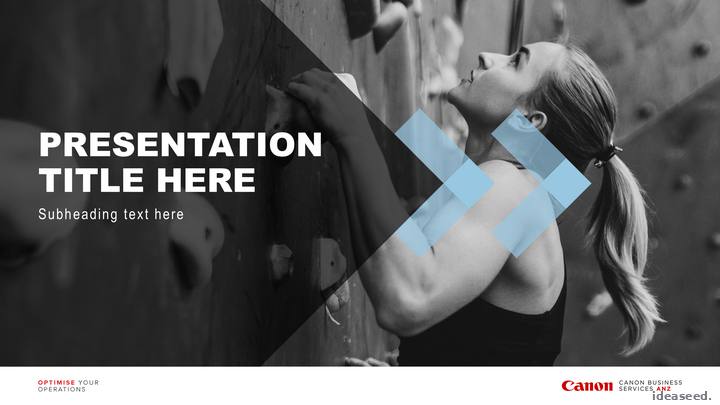
The Premium PowerPoint template.
Around 120 slides that become the one source of truth for every presentation your team makes. We can work from your full designs, a basic concept or start from scratch.
Alongside the slide layouts you get asset slides of tables, charts and icons tailored to your brand, ready to copy into any deck.
Choose from a range of slides, including:
Every build is customised around your needs, so your team gets the slides they'll actually use. We supply an icon set specific to your industry, or we can use your own.





The Premium Word template.
35–45 page layouts that make even a standard report look like a glossy brochure.
Table styles and charts that match your PowerPoint if you have one, and charts that can link to Excel data without bloating the file. The DocuBuilder toolbar comes with every Premium Word template.
Choose from a range of pages, including:
Like PowerPoint, the build is customised around your needs. Titles and subtitles flow into the footer automatically.





The DocuBuilder toolbar.
Boost efficiency and ensure brand compliance across all teams with the Ideaseed DocuBuilder toolbar. It streamlines document production in Word, letting your team create consistent, on-brand collateral effortlessly by inserting pre-designed page layouts and content with a single click. Included in every Premium Word template and available as an add-on for others.
Click any button on the toolbar to see what it does.

Pick from your designed covers and drop one in, fully styled and ready for a title.
No IT project.
It lives inside the template, so there's nothing to install or roll out separately.
With or without macros.
A macro-free version is available for organisations that can't run macros.
PC only.
Mac users can still use the template; they insert layouts the manual way. More about DocuBuilder
Your content, designed.
Add a Slide Library to your Premium Template: your key slides, designed once and ready to drop into any deck.
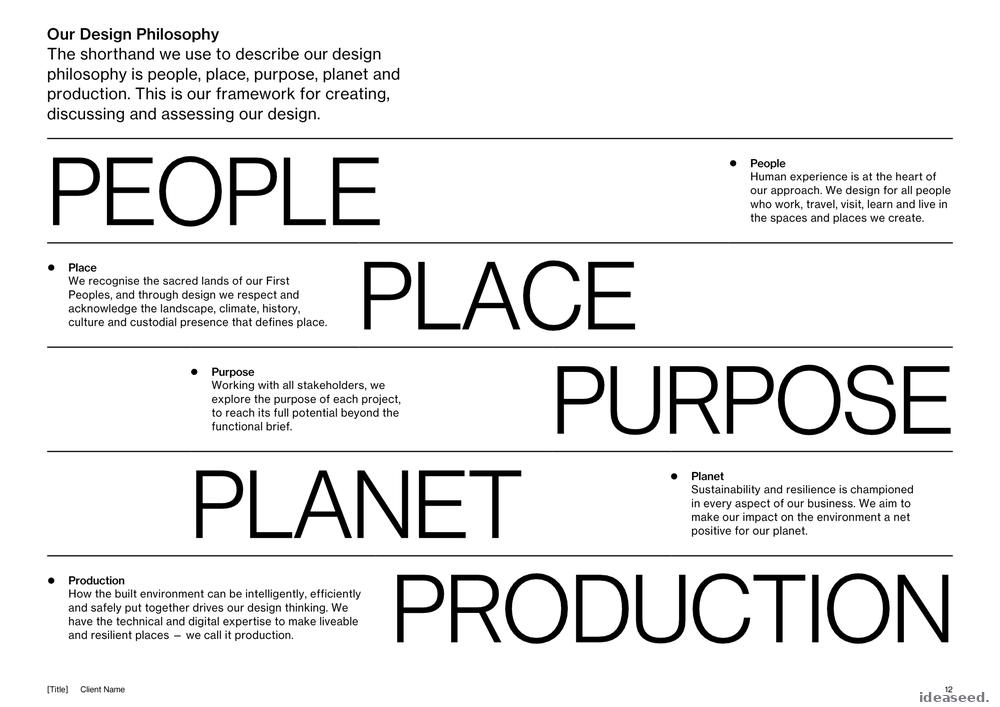
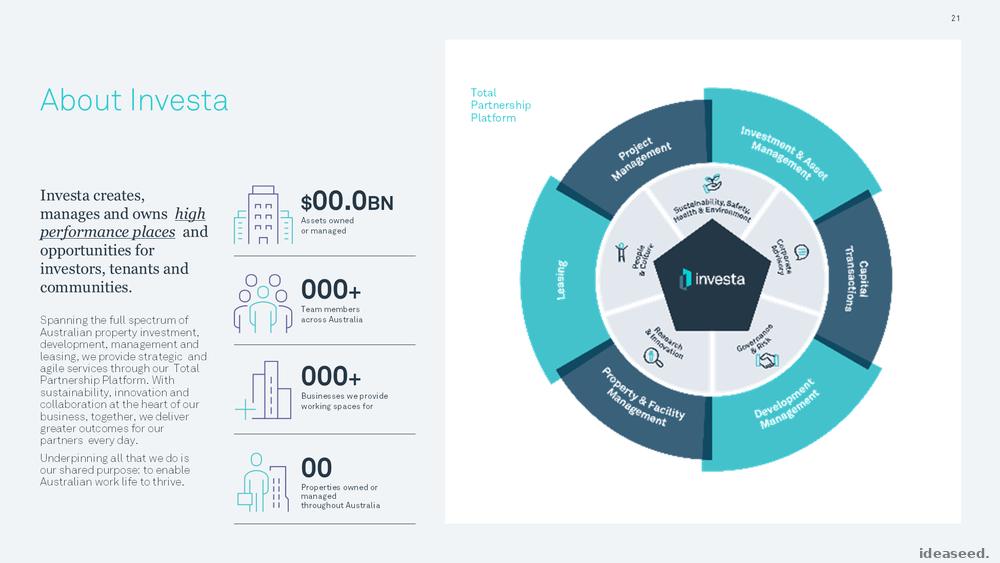
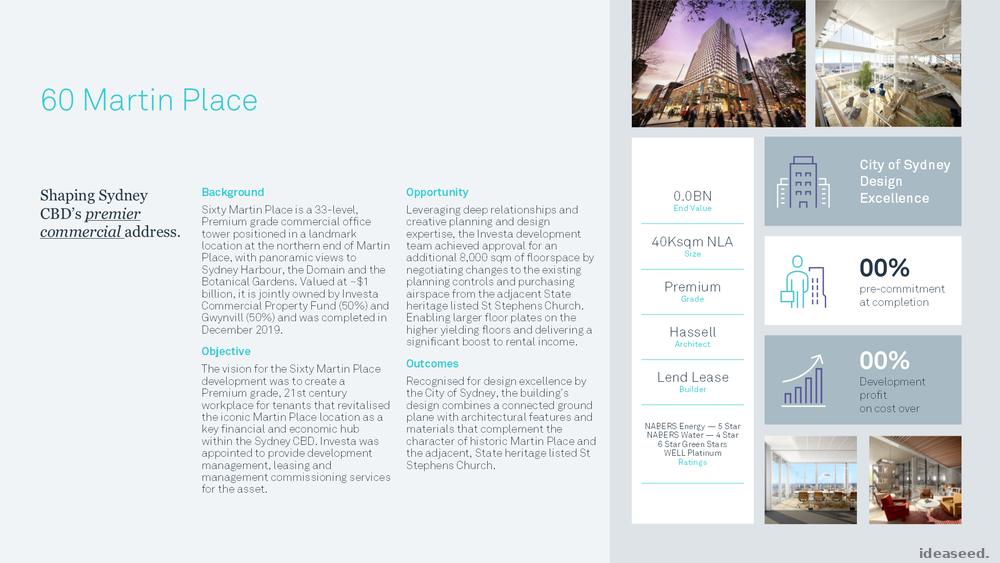
Your About Us, Our Story, Our Products, Case Studies, Clients and Our Process slides barely change from one presentation to the next. So why start from scratch every time?
We design them to sit perfectly within your new template, animated if you like, from standard company slides through to bespoke org charts and infographics. They're fully editable, so updates down the track are quick. Each slide is quoted on its complexity, so you only pay for what you need.

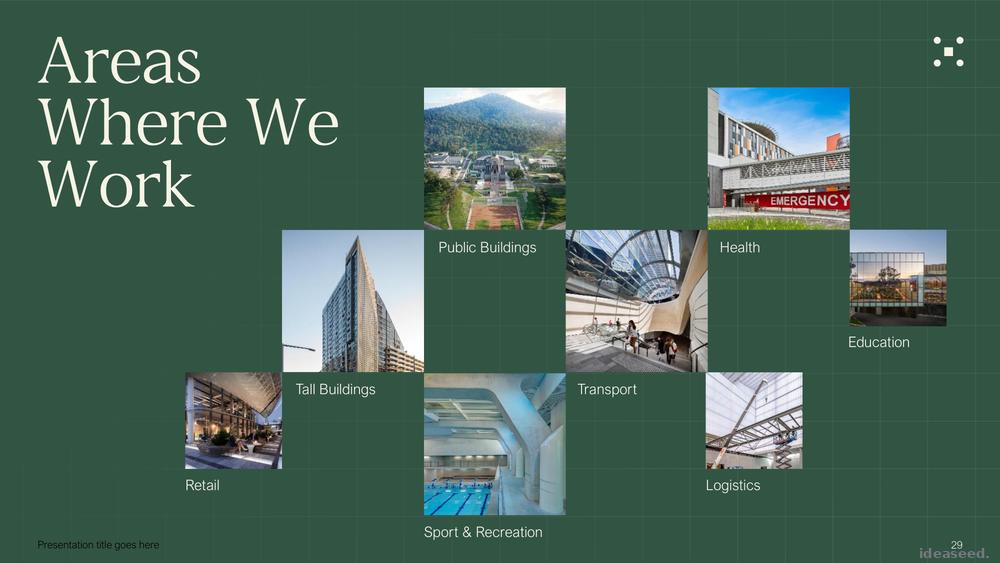

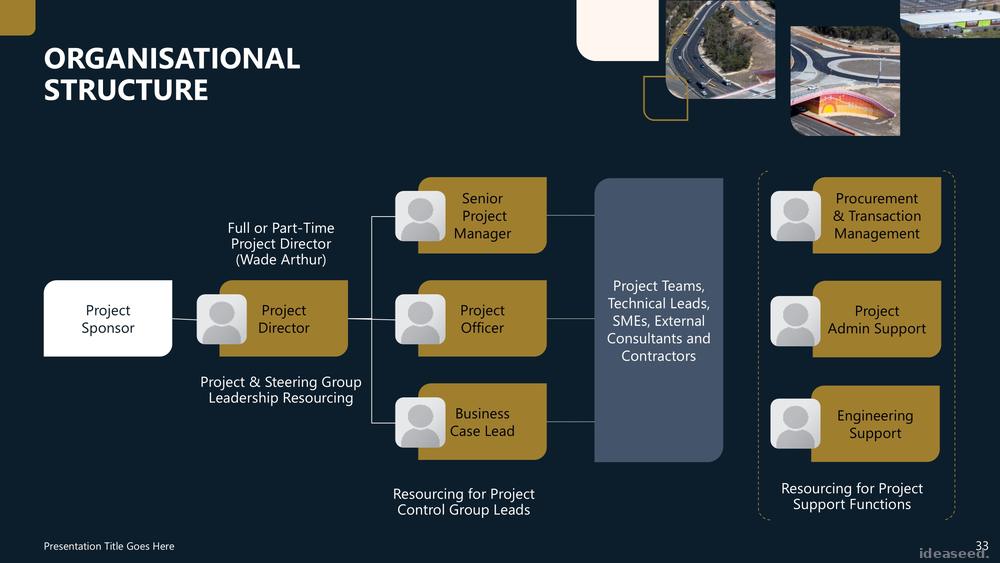
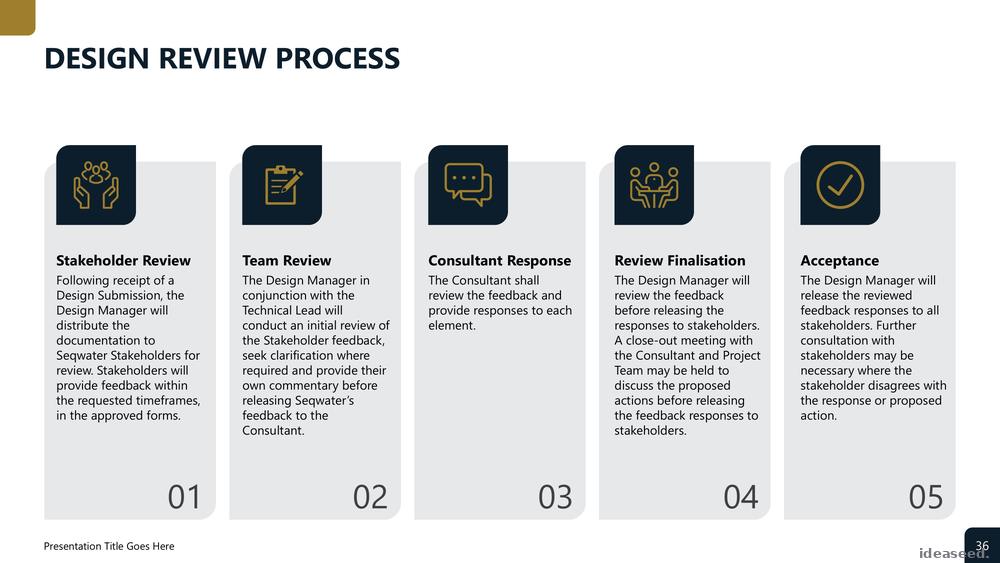
Want ready-made infographics too?
Ask us about our Animated Infographic Slide Bundle: 700 slides, ready to go, in your brand.
How it works.
Whether you're after PowerPoint, Word or both, you approve each stage before we move on.
Concept.
Design discovery and a concept, from your brand, your designs or a blank page.
First draft.
A first set of key layouts so you can see the system working.
Full template.
Every layout, chart, table and icon your team needs, built properly in Office.
Finishing.
DocuBuilder added to Word templates, plus accessibility checks.
Rollout.
Rollout instructions, plus optional training for your team.
Questions we get asked.
What's included in a Premium PowerPoint template?
Around 120 slides, chosen from a range that includes covers, dividers, agendas, charts, tables, image, text and creative layouts, quote, statement and fact slides, contact pages and an icon set specific to your industry. The build is customised around what your team needs.
How many page layouts are in a Premium Word template?
Usually 35–45 page layouts, chosen from a range that includes covers, dividers, an automated table of contents, one, two and three-column layouts, charts, tables, landscape pages, key messages, quote and statement pages, contact pages and an icon set. The build is customised around your needs, and the DocuBuilder toolbar is included.
Can you work from our existing designs?
Yes. We can work from your full designs, basic concepts or brand guidelines, or start from scratch. We always build the template itself from scratch so it doesn't inherit problems from older files.
Do the templates work on a Mac?
We can build Mac-compatible templates. The DocuBuilder toolbar is PC only, so Mac users insert layouts the manual way.
Can Copilot and other AI tools use a Premium Template?
Premium Templates are big by design, which suits people who want to build a range of documents and presentation types from one template. AI tools work best with much smaller templates, so we build those separately. Many clients choose a pared-back version of the Premium template which gives them the best of both worlds. Feel free to ask us more about AI-ready templates.
What's the difference between the Slide Library and the Slide Bundle?
The Slide Library is your own content, such as About Us, case studies and org charts, custom designed for your template and quoted per slide. The Animated Infographic Slide Bundle is a ready-made set of 700 infographic slides that switch to your brand. Get in touch to find out more.
Is training included?
Every template comes with rollout instructions. We also offer an optional one-hour online training session for up to 12 people, which can be recorded.
We think of everything, so you don't have to.
Every layout, every asset, every design decision is already made. Anyone in your team can produce polished, professional work without starting from scratch.
MS Office templates aren't everyone's idea of a good time, but they are ours.
Get a quoteRAVE REVIEWS
who we work with


